Migrating from WordPress without losing SEO
We moved a private health insurance site off WordPress with no rankings lost and 36% more conversions. The method we apply, step by step.
The most dangerous moment in a website's SEO life isn't a Google algorithm update: it's a redesign. URLs, structure, content and technology all change at once, and if nobody watches the invisible side, the organic traffic you spent years building can vanish in weeks. It's the fear that paralyses anyone sitting on an old site that works: if I touch it, I break it. This is the method we apply so that doesn't happen, told through one concrete case: the private health insurance site at adeslas.numero1salud.es, which was on WordPress and which we rebuilt from scratch as a bespoke build.
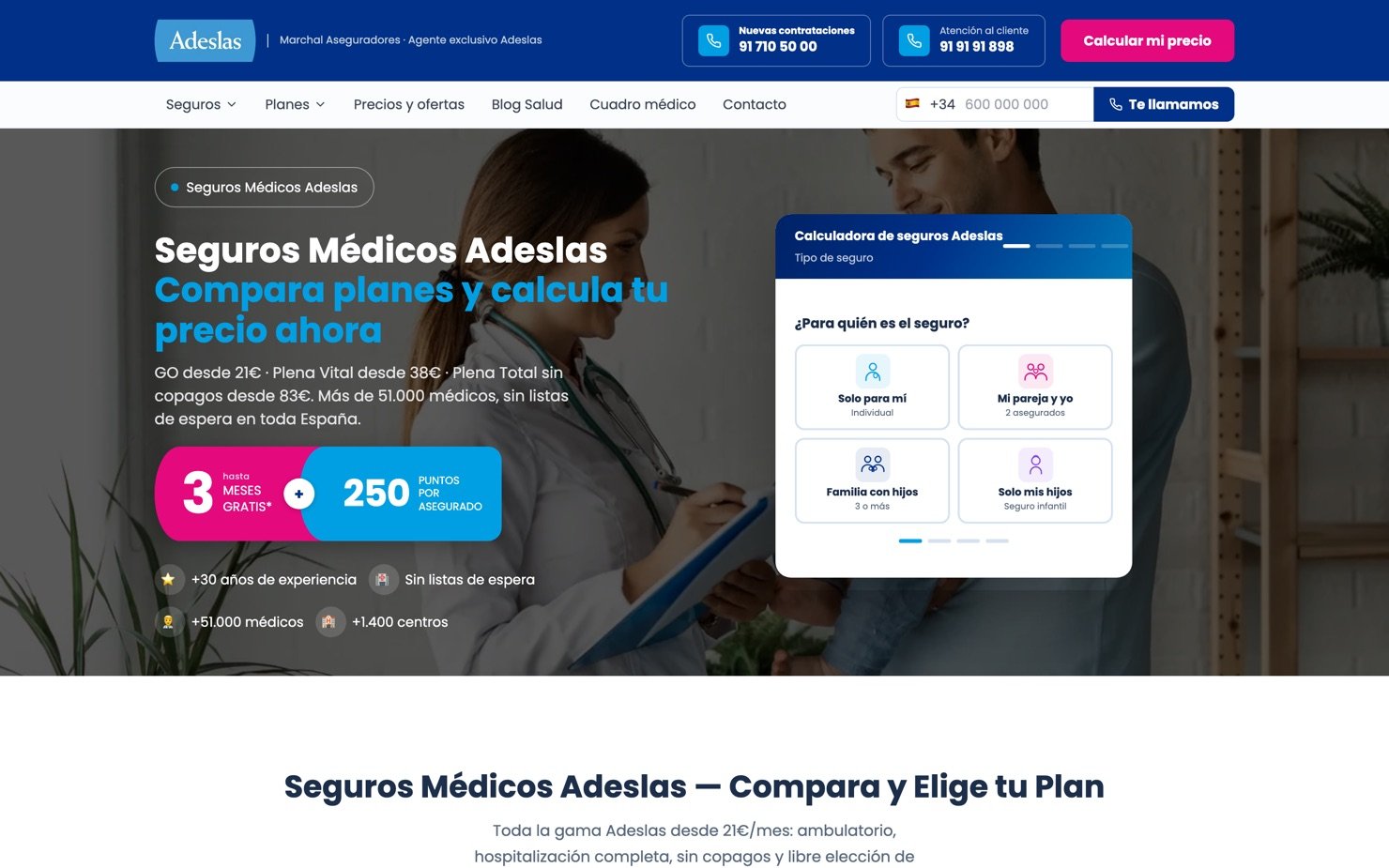
Before the steps, it helps to understand why the risk is real. Google doesn't rank "a website": it ranks specific URLs. Every page that shows up in the results is an address the search engine already knows, has already crawled and has already assigned authority to. In a migration, the technology, the URL structure and the HTML the crawler receives all change at once. If any of the three breaks, Google runs into addresses that no longer exist, content it cannot recognise, or pages that take an age to load. All of it is preventable, and it is prevented with method.
- Capture the before Export every URL on the current site (from Search Console, the sitemap or a crawler like Screaming Frog or SEMrush) and sort them into three lists: the ones that bring traffic or have backlinks and must be preserved, the ones that will change address, and the ones that deserve to die. On Adeslas that snapshot was the insurance policy for the whole operation: we knew exactly which pages ranked, for which searches and in what position, so any drift would show up the same day rather than three months later, when there is no way left to tell what caused it.
- Map every 301 redirect, one by one Every old URL with value must point to its new equivalent, never to the homepage, which is where lazy migrations go to die. A 301 tells Google "this has moved here, pass the authority to the new address". On Adeslas we mapped them one by one, just as we did in our own migration from WordPress to React: every old project to its new case study, every blog article to its new URL.
- Use 410 for what genuinely dies Tag pages, RSS feeds and internal WordPress endpoints have no new equivalent, so don't redirect them. A 410 Gone tells Google "this no longer exists, remove it from the index" and clears the trail far faster than letting 404s pile up.
- Make sure the crawler sees real HTML This is the trap almost nobody talks about: if the new site is a single-page application (React, Vue or similar), the HTML crawlers receive can arrive practically empty, with no real title, no meta description and no H1, even though it looks perfect in the browser. We learned it on our own site, through a SEMrush audit that crawls without executing JavaScript. The fix is prerendering: generating a static HTML file per route on every build. On Adeslas the HTML arrives with nearly 19,000 characters of text up front, with no dependency on JavaScript, and that is a good part of why conversions improved.
- Check the basics everyone takes for granted That www and non-www don't coexist as two duplicate sites, and that every page declares its canonical URL. Two five-minute checks that stop Google seeing two websites where there is only one.
- Launch and watch Launch doesn't end the work: it inaugurates it. Publish the new sitemap (with hreflang if the site is bilingual), submit it in Search Console, and monitor 404 errors and the rankings of your key pages through the first weeks. A spike in crawl errors in the first days is normal; what can't happen is for it to stay.
Speed isn't a luxury, it's SEO. Google measures Core Web Vitals and uses them as a ranking signal, and on top of that a slow site converts less even when it does rank: every second of waiting is someone leaving before they see what you offer. Measured today with Lighthouse, the Adeslas homepage scores 100 out of 100 on desktop, paints its main content in under a second and holds a CLS of 0, which in plain terms means the page doesn't dance about while it loads and the button doesn't shift just as you go to tap it. None of that is luck: it comes from serving the HTML already written, from not delegating everything to JavaScript, and from keeping an eye on the weight of what goes in.
+36% more conversions in the five months that followed the migration, without losing any of the ranking built over the years. In a sector like private health insurance, where every position lost is felt straight away in the revenue.
And while you have the site open, ready it for what's coming. More and more people ask an assistant before they search on Google, and there the game changes: you aren't competing for a position, you're competing to be the source the assistant cites. It comes down to two text files almost nobody looks at. The first is robots.txt: on Adeslas we kept the path open for twelve AI crawlers, among them GPTBot and OAI-SearchBot (the ChatGPT ones), Claude-Web and anthropic-ai, PerplexityBot, Google-Extended and Applebot-Extended. If those bots can't get in, as far as they are concerned your site simply doesn't exist. The second is llms.txt, a guide written for assistants rather than for people: the one on Adeslas runs to 25 KB covering the plans, the prices, the cover, the medical directory and the contact details, in clean text with nothing left for the assistant to infer. It isn't markup and it isn't a trick: it's putting the information in front of them, in order. It is the SEO of the next few years, and very few sites in the sector have it sorted yet.
Summed up on a napkin: audit before touching anything, map every valuable URL to a real destination, kill what's left over with 410, make sure crawlers see real HTML, and monitor after the switch. A well-migrated redesign doesn't just avoid losing rankings: it usually gains them, because the new structure tells Google what it had spent years trying to understand about your site. If you have an old site that brings in customers and you're afraid to touch it, that fear is healthy: use it to do the job properly, not to avoid doing it.